ExtraDock
Create more docks for macOS
A simple, lightweight way to create multiple floating docks on your macOS.
Compatible with macOS 12 and up.
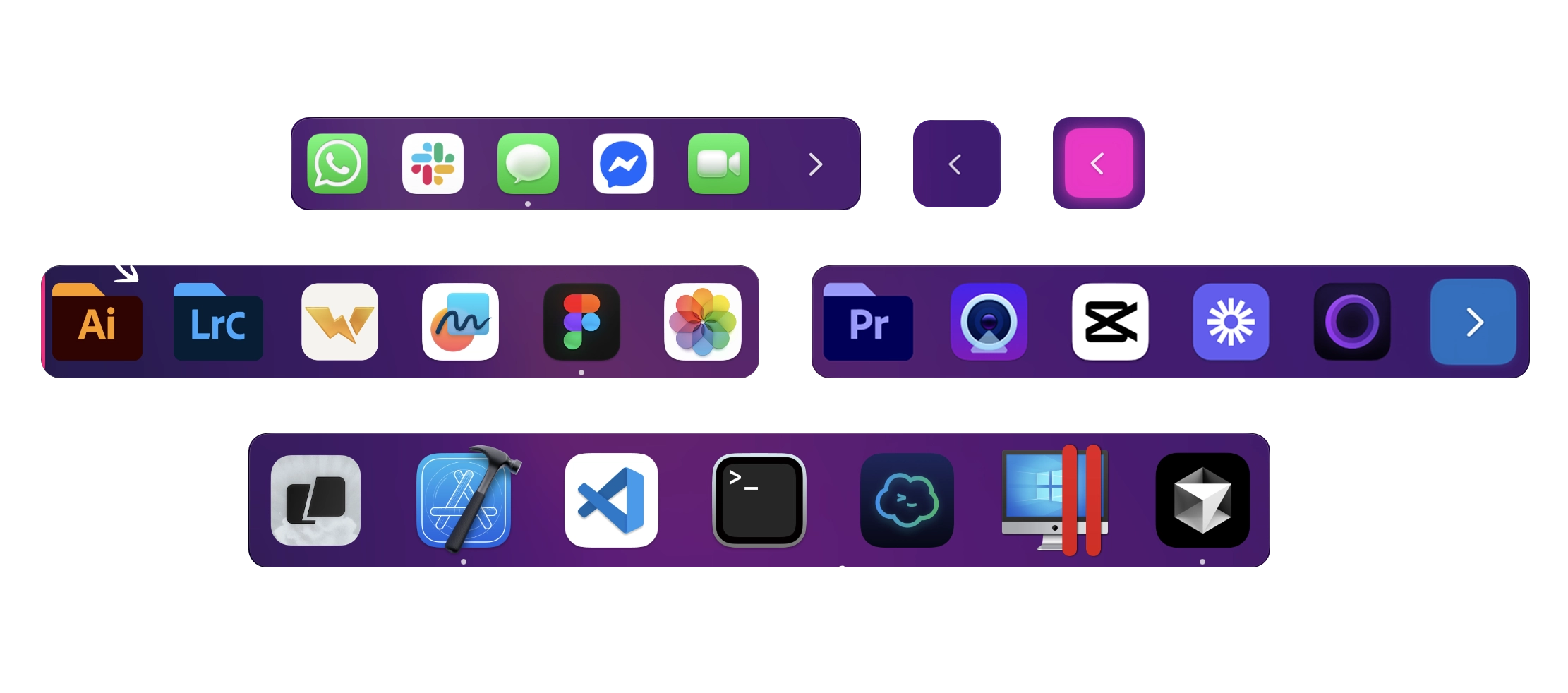
A simple, lightweight way to create multiple floating docks on your macOS.
Compatible with macOS 12 and up.
"Extradock is a really simple little dock interface which I use on my 2 monitors for work and enable me to access my most used programs easily. I use one monitor for design programs and the other monitor for emails and Slack, and Extradock enables me to access these programs easily and conveniently."
— Lewis Wilkinson
Everything you actually need. Nothing you don't.
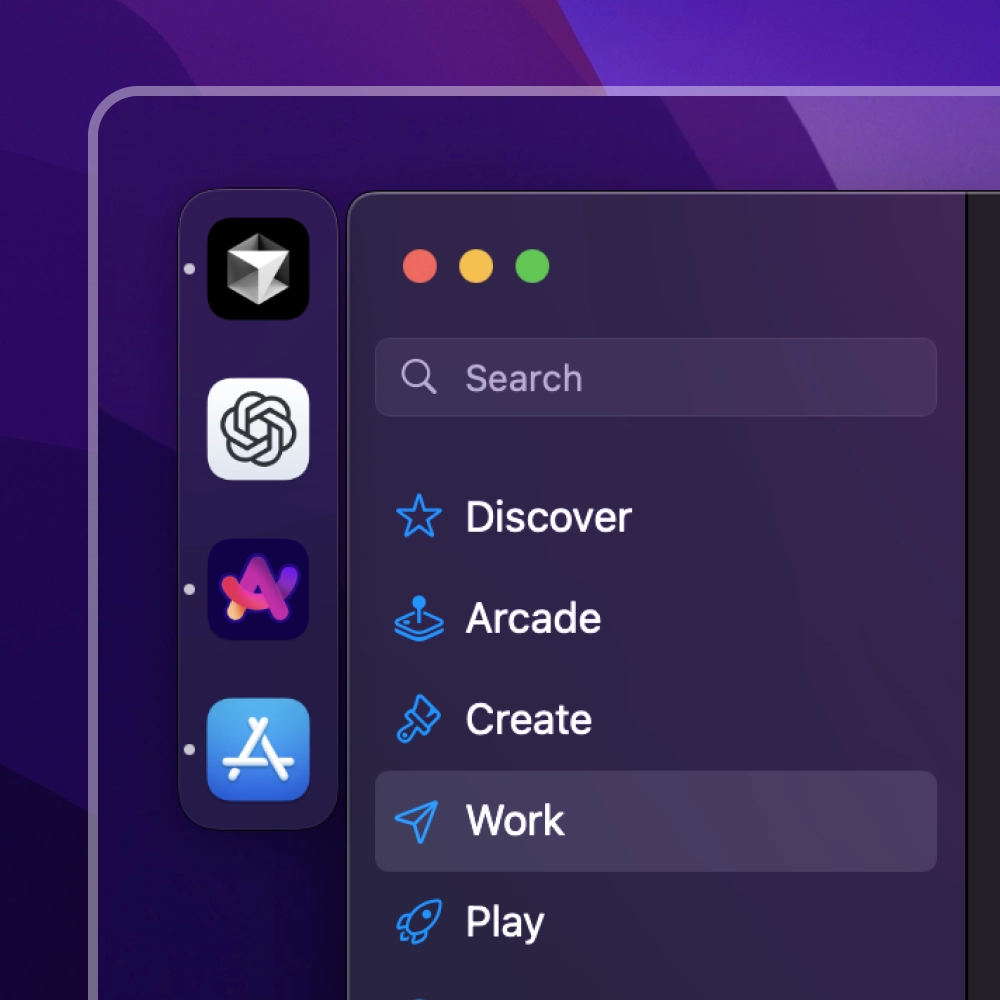
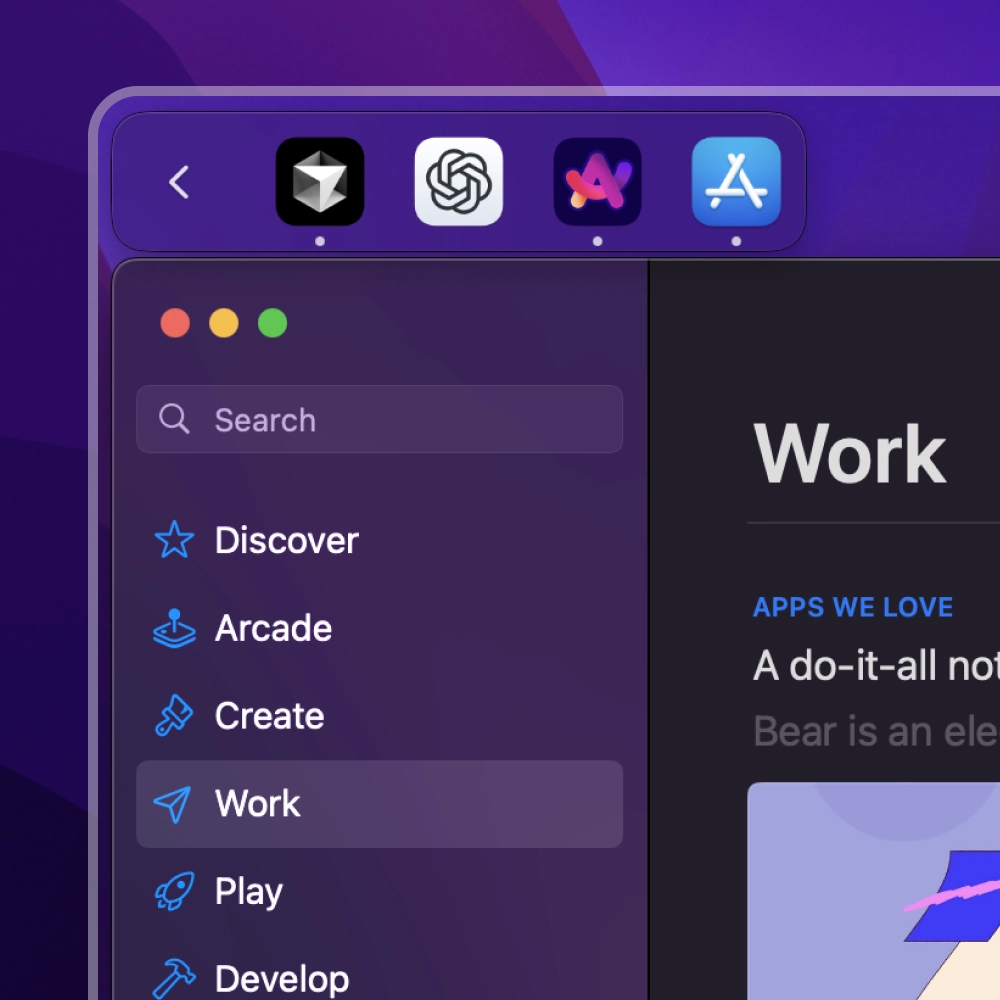
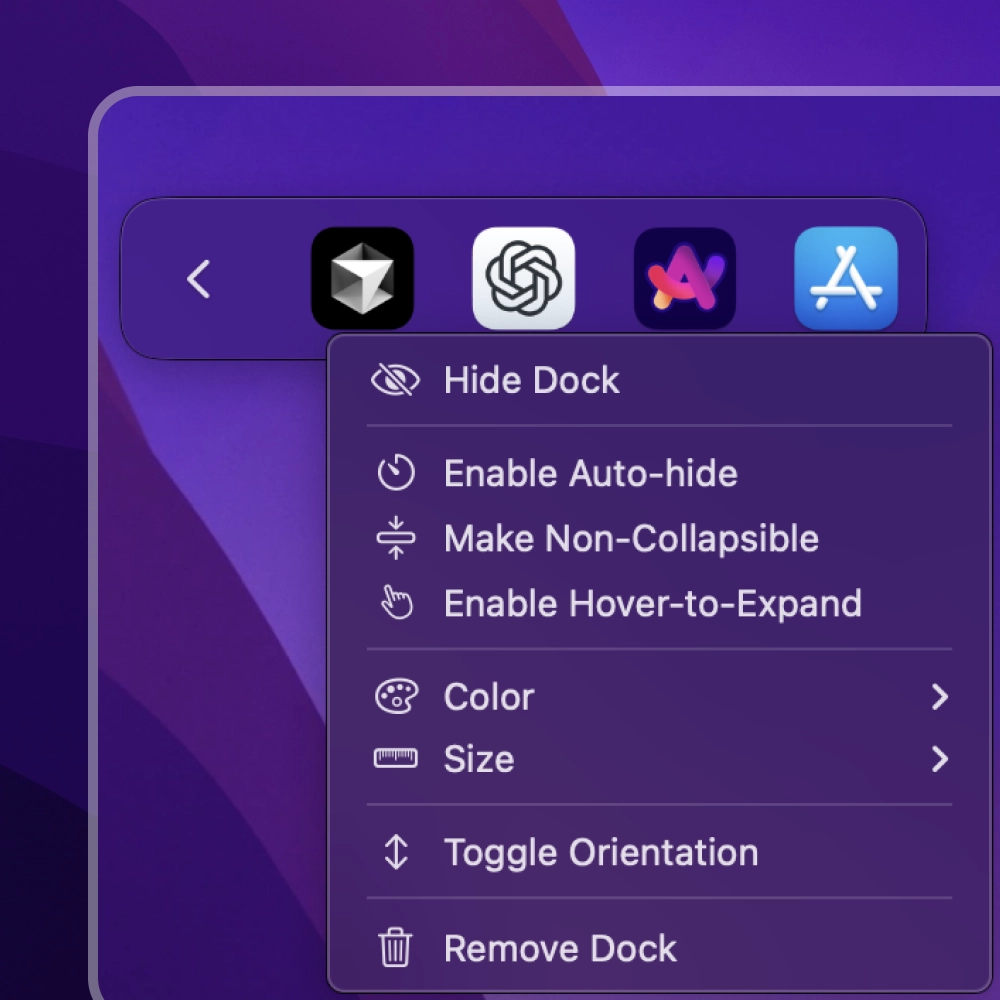
These are some real screenshots of ExtraDock in action.
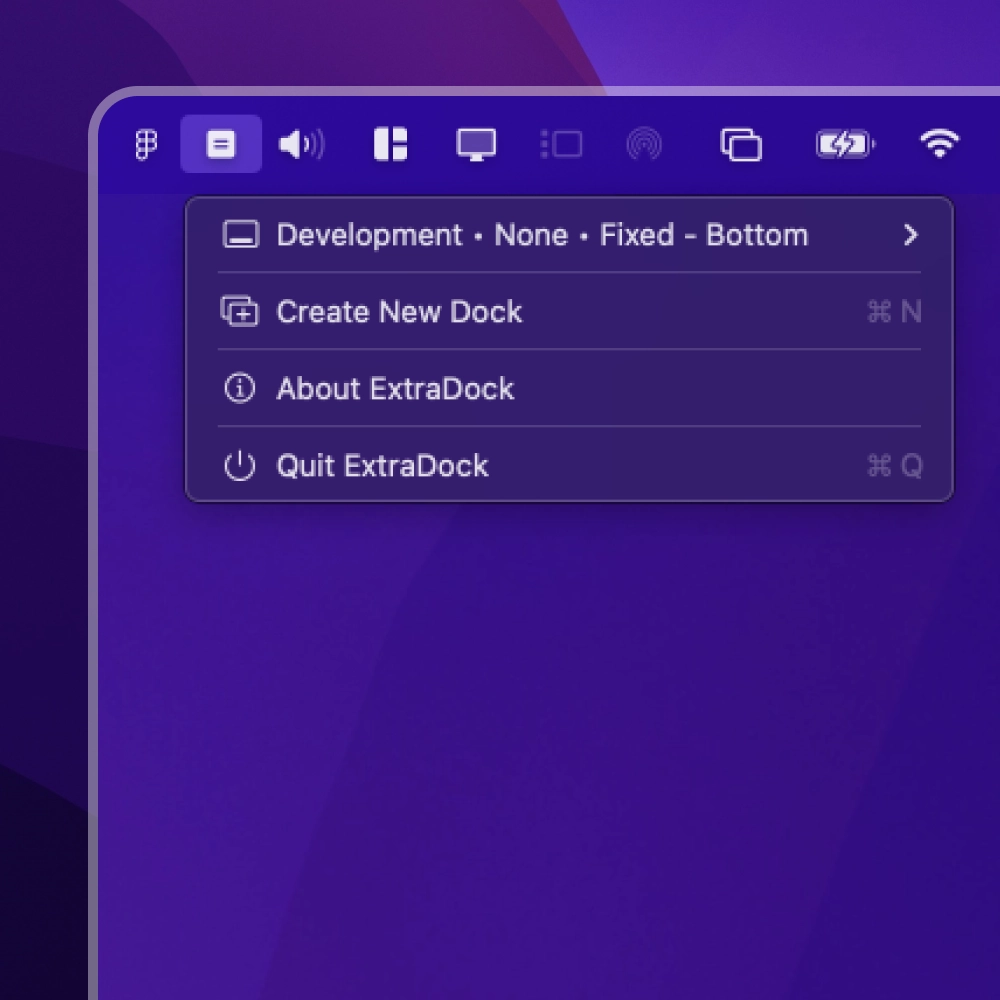
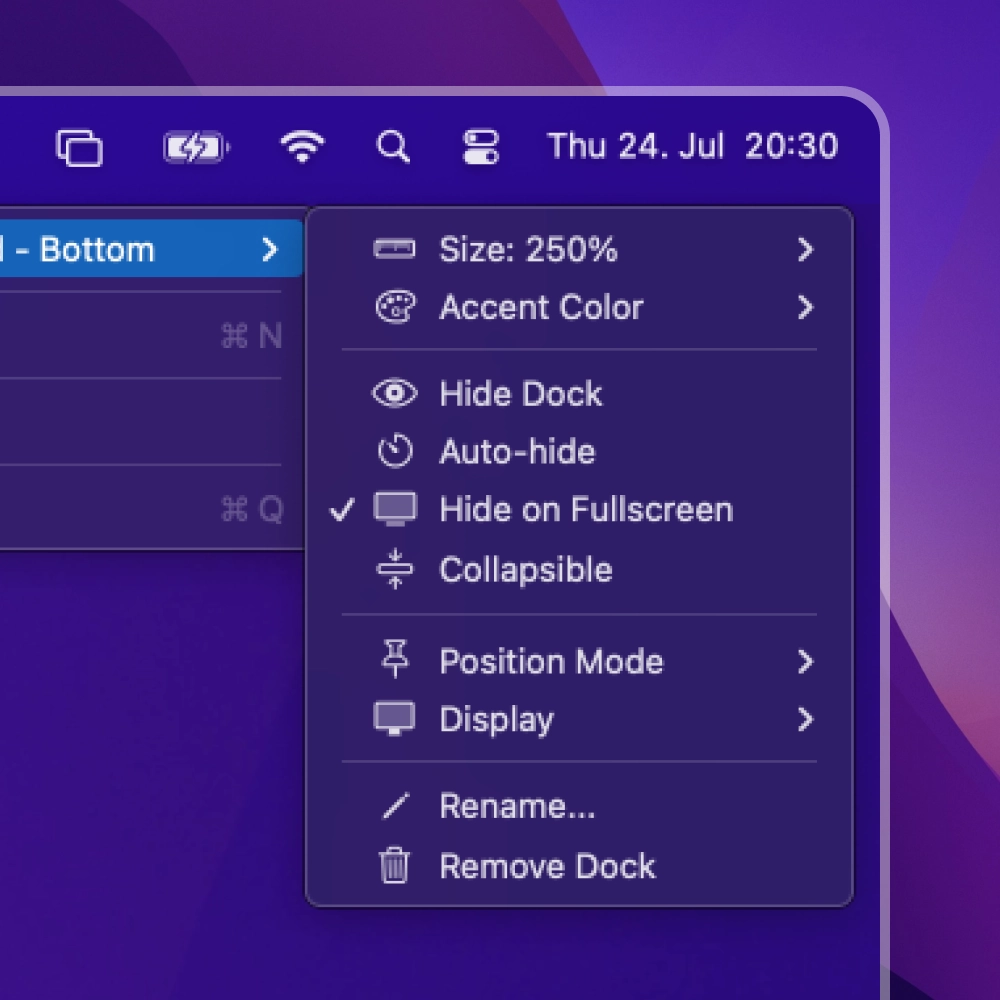
"DUDE!!!! YUP!! love your app!! omg.. just as i hoped it was… OMG!!! I will def recommend your app to others.."
— Jimmy.
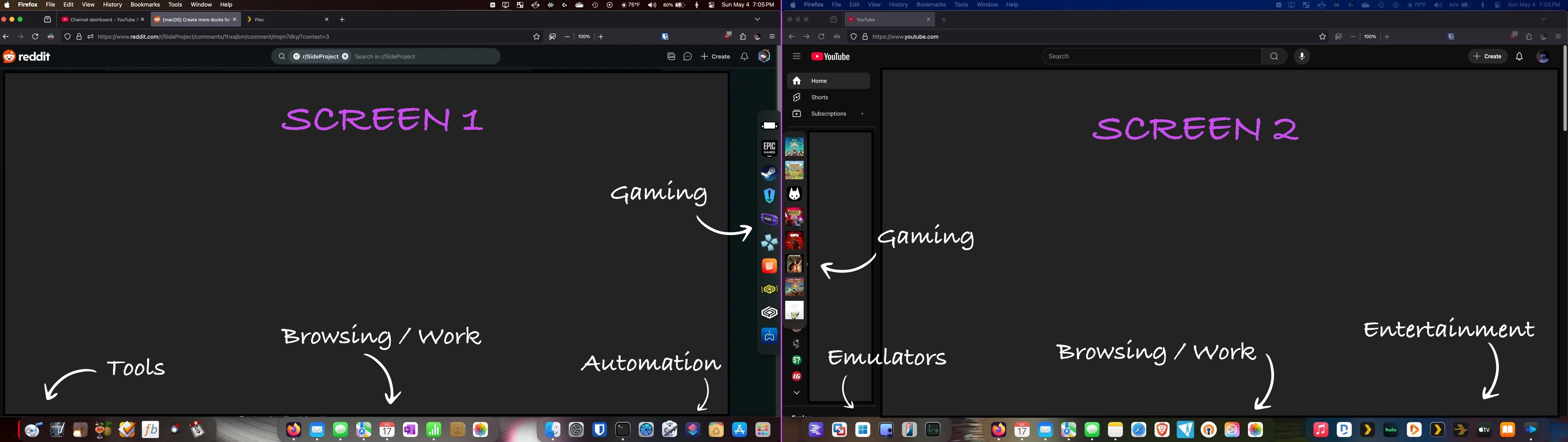

"If you're looking for multiple docks, quick app launching, and the flexibility to place a dock anywhere on your screen, this app should be at the top of your list."View on Reddit

"OK!! update!! yea, this app rocks!! developer is very responsive, i just had a weird issue w/the post purchase part and after contacting dev got all of it resolved!!"View on Reddit
Nobody likes to pay for software. But even worse is if you pay, and it becomes outdated. So I removed that option all together. I'm grateful if you support me by subscribing, getting a lifetime license, or by sending me a love letter.
Trusted by 1000+ Mac users worldwide
Thanks to our friends and communities for featuring ExtraDock.
Everything you need to know about ExtraDock.
I'm someone who runs 2 or 3 monitors daily: one for coding, one for chat apps, and one for design tools. But macOS only gives you a single Dock, which either stays on your main screen or auto-swaps wherever your mouse is. That felt clumsy. I just wanted an easy way to keep a "chat dock" on my side monitor, a "development dock" on my center monitor, and maybe another "utilities dock" somewhere else — without messing with some complex, heavy app.
I tried other so-called "dock replacements," but they were either too bulky, too fancy, or cluttered with special effects. I wanted something minimal, practical, and not a resource hog. So I built ExtraDock. And, to my surprise, it actually worked better than anything I could find — I was able to have multiple mini-docks, each pinned exactly where I wanted them. Finally, I didn't have to hunt for Slack or Terminal in one single crowded Dock, and fast-switching between applications became super convenient.
If you're done with a single, overcrowded Dock, grab ExtraDock now and take full control of your multi-monitor workspace.
Get ExtraDock Now